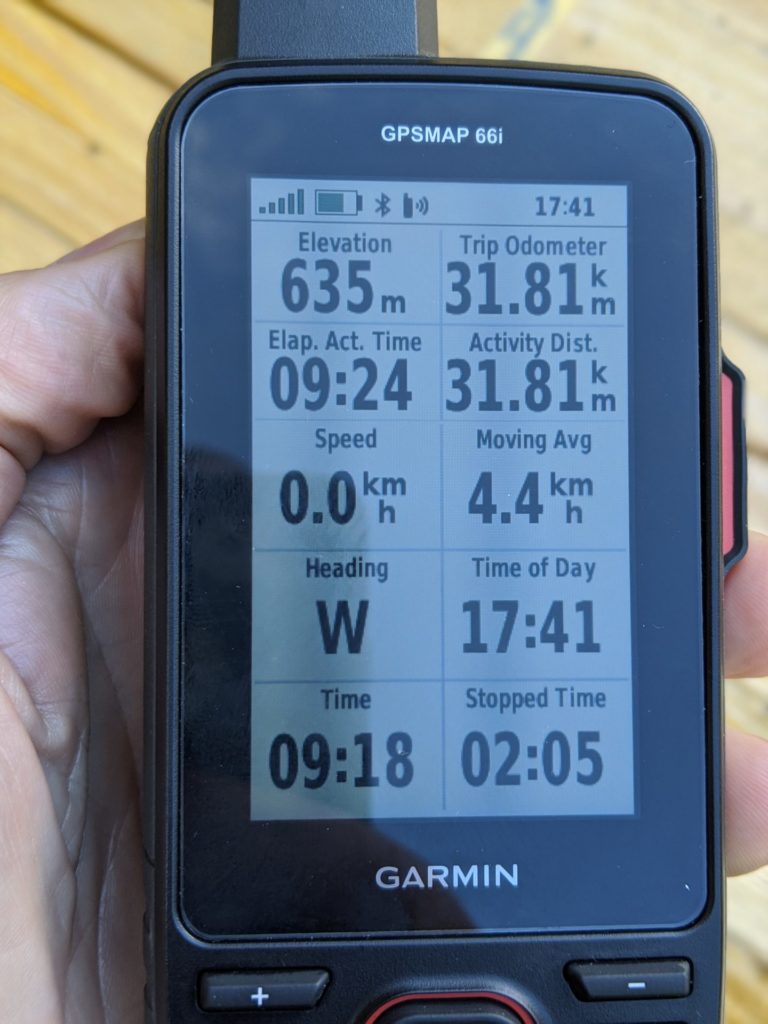
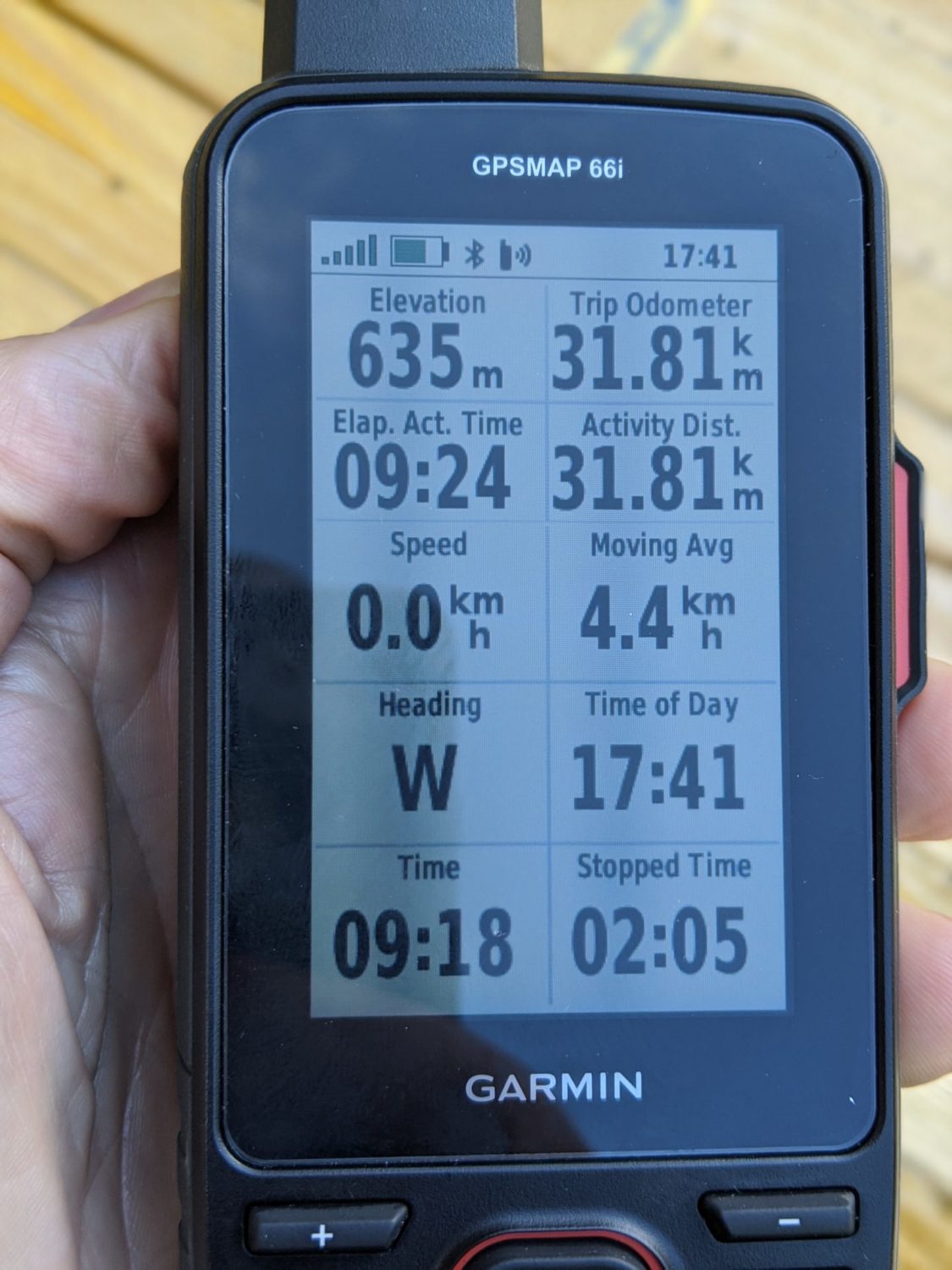
IN 2020, I bought the Garmin InReach 66i model. Basically the same as the 64s, which I'd been using for a while. It also has InReach capabilities. Now what the hell is that? Update: now in 2026, the 66i has, of course, been replaced by the 67i.
In a nutshell. InReach means that the device is capable of calling for help (‘calling’ not vocal like a telephone. It sends an I need help message when you push a certain button (RED). This works even when there is no telephone network available, as it uses satellite coverage. Believe me, no telephone coverage is still quite often. In three treks, I found myself several times in areas with no GSM coverage at all.
Once, while out trekking, I got caught out in an area with no telephone network whatsoever. So I couldn’t get hold of my wife just to say, "all okay, no problems, tent up", etc.
Of course, if I had hurt myself, fallen, broken a bone, etc., well then that would have been a real problem. No telephone network. No way of calling for assistance.
So I decided on the Garmin InReach 66i. It’s quite expensive to purchase. Over 500 euros plus the cost of the InReach ‘plan’. This plan is not obligatory, but is needed for the InReach option. It can be bought and used only when you are out and about. Month by month, although you still need the annual subscription, costing around 50 euros in 2020.
InReach subscription
InReach subscription costs. The yearly subscription is about 50 euros, and then you need the per-month subscription (three different plans to choose from concerning the monthly subscription). The cheapest starting from around 20, 40 or 75 per month. The monthly plans can be suspended when not needed. I use the 40€ one, as the 66i can send a tracking position every 10 minutes. The cost may have changed now in 2026, but I haven't bothered looking.
In other words, if you use it twice a year for treks in two different months where you want the InReach capability, the cost would be the yearly subscription cost + month_1 + month_2, so not the end of the world.
You can use the 66i without the InReach capability. Which I do sometimes for short walks, where I just want the maps or tracks showing. But for peace of mind, especially if you go out alone like me, and don't forget I'm pretty much deaf, I feel it’s worth it.
I've used the send SMS option several times. When setting up camp, only to find no telephone network. Impossible to contact my wife. With the 66i, just sent out pre-recorded SMS to my wife to say, ‘all okay, tent up‘. Wife happy… so me too… 🙂 and the chat/SMS is free of charge as it’s covered by the monthly subscription. (Number of SMS is limited, though)
When subscribed to InReach, not only can you ‘call’ for help, but as I previously said, you can also send SMS messages, as well as tracking details, so that somebody, in my case, my wife and a friend, can ‘see’ where I am at all times, while out walking. Very similar to Garmin LiveTrack that I use when out biking. Using my Garmin computer and watch.
The 66i is basically the same as my old 64s. It has a clunky interface; if you are used to Garmin's older models like me, it’s not a real problem. But sometimes it’s a weird way of changing screens, getting into the settings, etc. It does take getting used to.
The battery life is far better. Last year with the 64s, I had to charge it every night; this year I could have managed two, even three days, so that’s a big improvement. After many times using it. I have found that I use between 25 and 30% of the battery per day. This is following a GPX trace on it, so looking at it quite often, also recording the trace and sending a ‘fix’ every 10 minutes, all that for sometimes up to ten hours of usage per day.
It’s tough. I just hang it from my rucksack and let it dangle away, whatever the weather, it doesn’t care. Do add a screen protection film on it before you start using it, though.
GPX files, yes, you can
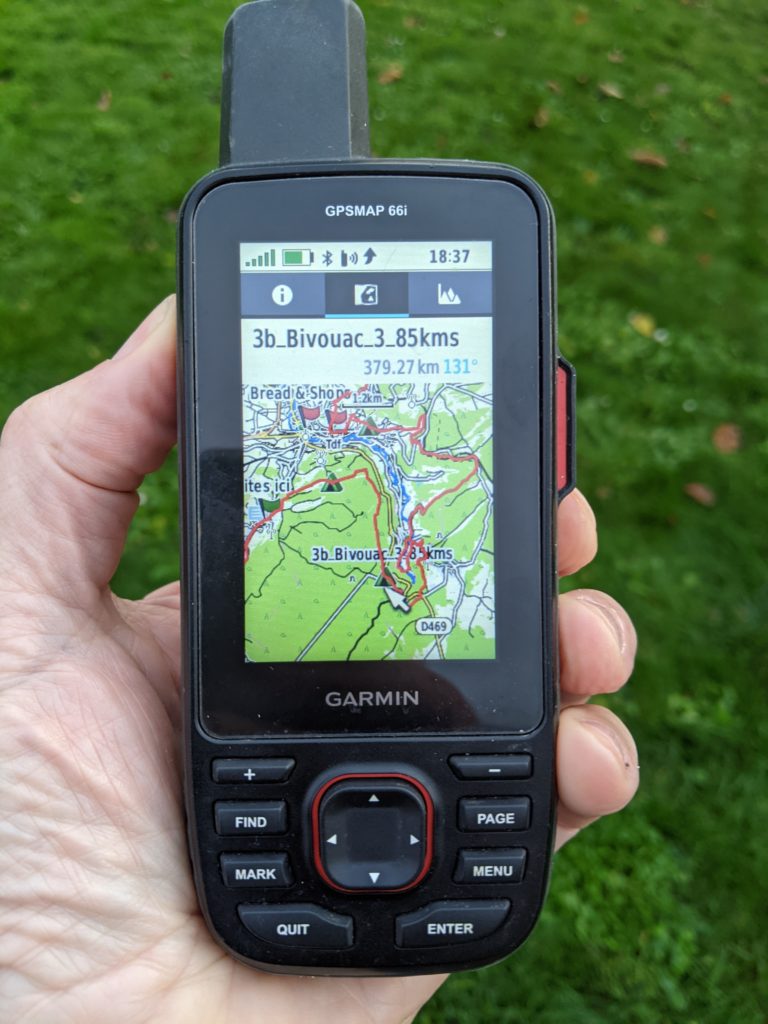
You can upload, which I do very often, GPX traces to the 66i, so that you can follow them while out walking. Since 2020, I no longer use Basecamp as I’m now running Linux instead of Windows. I now use a program called QMapShack. This works just fine with the 66i. I create, read, and modify a GPX track on the computer with QMapShack them upload it to the 66i. Later, when I’ve finished my walk, which I’ve recorded on the 66i, I then upload this to QMapShack. So not only can you upload a GPX file to the 66i, but you can also record the walk and upload it to the computer. It works both ways.
The 66I with trace and Waypoints showing
Installing free maps
If you want, you can install free maps on the 66i (and most Garmin devices)
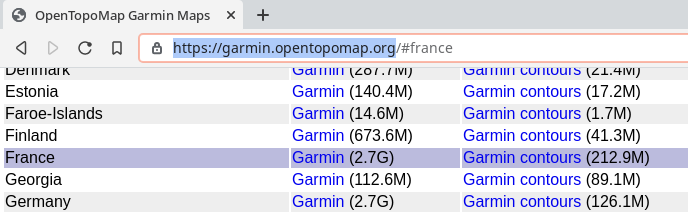
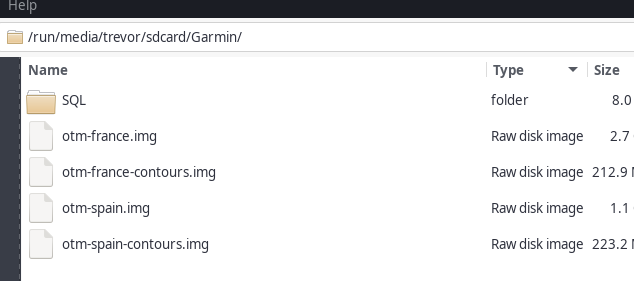
https://garmin.opentopomap.org/ is the address to download the files for your Garmin device. Download the files for the country you want and copy them directly onto your Garmin. Download the ‘Garmin’ and the ‘Garmin contours’. In my case, France. Unzip them and add the two files otm-france and otm-france-contours
Once the two files have been downloaded. Place them in the Garmin folder, in my case, on the SD card. You can see I have installed Spanish maps as well.
Now all you have to do is activate the maps using map setup in the settings menu. Choose the maps that you want to use. Voilà
These maps are great and are regularly updated, so don't forget to grab the latest version before you set out.
TIP: Make a backup SD card that you have somewhere on you, just in case the SD card in the 66i decides to die on you. That way, you will still have backup maps just in case.